 Bing On Desktop is a handy tool for downloading old and latest images from Bing. Bing is the Microsoft’s new search engine. Every day a new wallpaper image is set as its background to please the user.
 Of course you can download the current Bing background image manually (depends on the browser used), but previous one is not possible.
Previously we presented a tool called Bing Downloader for downloading current images from Bing. But this tool, Bing On Desktop will help you to download images from any date.
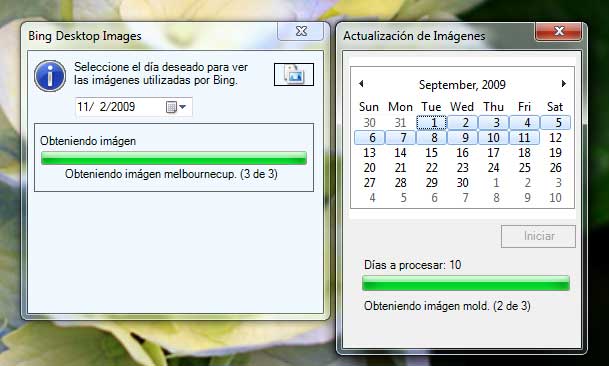
Usage:
- Download Bing On Desktop
- Unzip & double click to launch it (portable tool, For Windows7 right click and select ‘Run as Administrator).
- Select any date from the calendar or dropdown menu.
- Bing photo of selected date will be automatically downloaded and saved in “Images” folder in the application folder.
Download Bing On Desktop [via]
A very interesting tool, certainly useful for me.
ReplyDelete