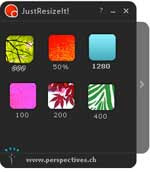
 A small sized image is often required in many occasions. For instance, inserting into blog post, inserting into email messages or inserting into an office document required a small sized image to make it load fast or fit in to the page.
There are several programs in this category; here is a brand new way of image resizing. JustResizeIt is an adobe air based application for Windows, Linux and Mac OSX. You only need to drag and drop one or more images into JustResizeIt, wait a few seconds and drag and drop resized images into a folder, email message or office document.
The working is very simple. You can create many widgets that define how the images will be resized. Just create some widgets and define its sizes (example, 100x100, 400x400 or in percentage 50%, etc) and quality (Click ‘Add New’ to define sizes, quality, widget color, etc).
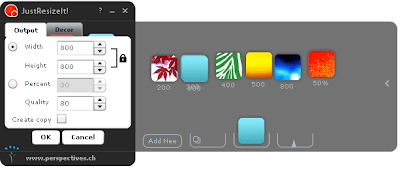
Now drag and drop one or more images over a widget. Wait until all images are resized (You can drop multiple images onto one widget and they will be resized in a batch mode).
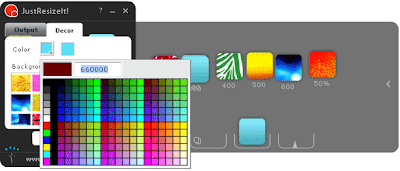
Now drag the icons from a widget over to an office document, e-mail message, or a desktop folder to move your resized images to a new location. The whole process requires only a few seconds.
More information and download of JustResizeIt.
coool....Thanks for sharing.
ReplyDelete